Mosaic PDF guide
Assemble your mosaic section by section
Colored grid sheets show where each tile belongs, with row and column coordinates and neighboring sheet references to help you put it together.
Create your own mosaics
Turn an image into a mosaic made from a fixed set of colors. Choose the tile resolution, palette and dithering algorithm, then download an image or a printable assembly guide.
Open the generator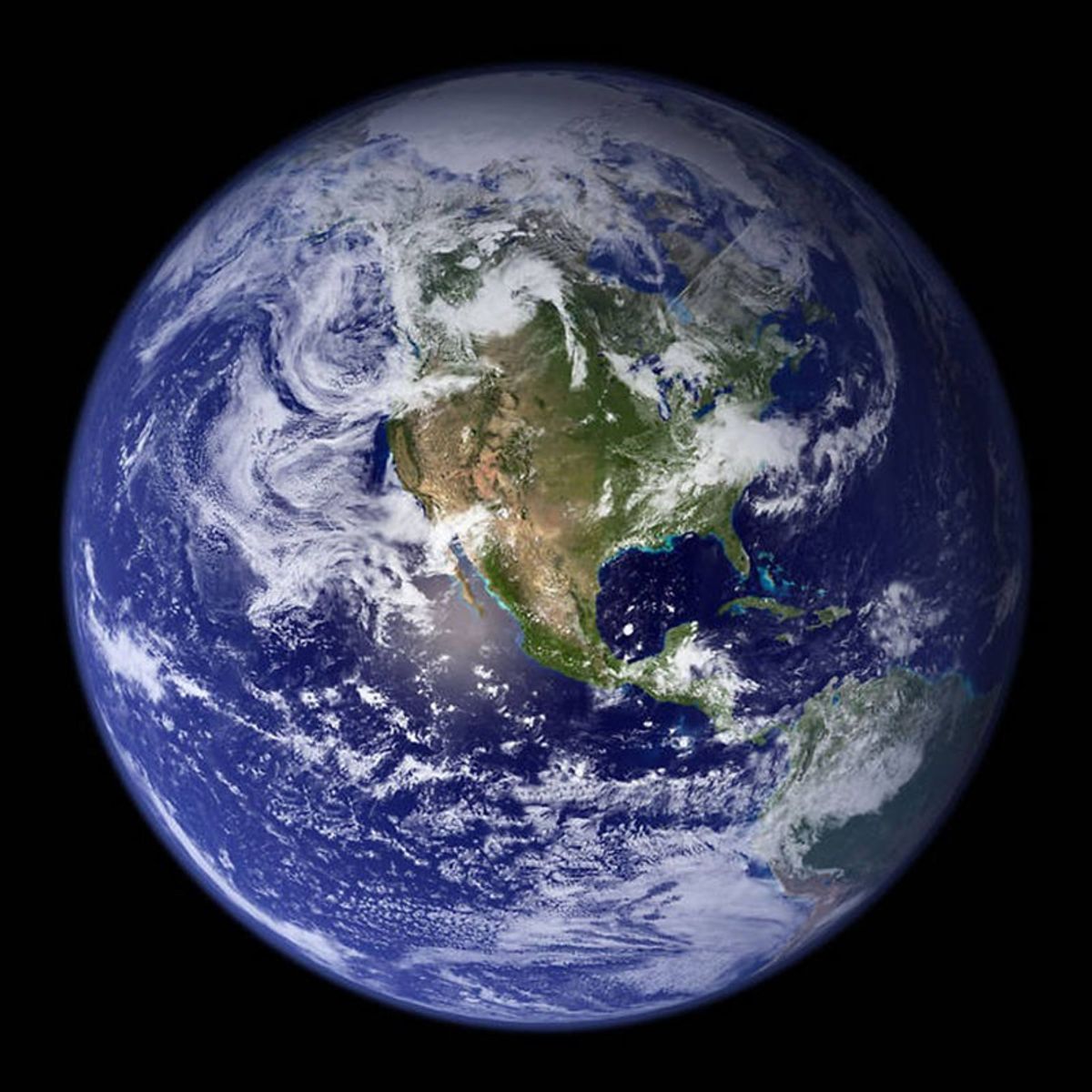
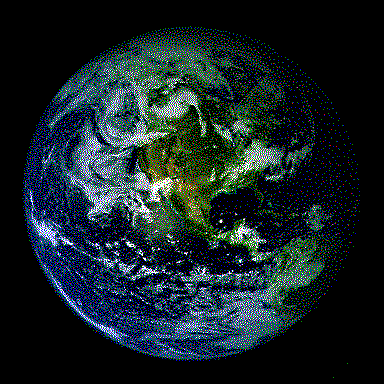 Original8 colors · Floyd–Steinberg
Drag the divider to compare · use arrow keys when focused
Your image becomes a grid of square tiles, each using one color. Dithering arranges those tiles so they blend into extra shades when you step back. The algorithm determines the texture you see up close.
Compare the original with error diffusion, then explore two patterned finishes. Each mosaic below has 288 × 216 tiles; the patterned examples also use different colors.
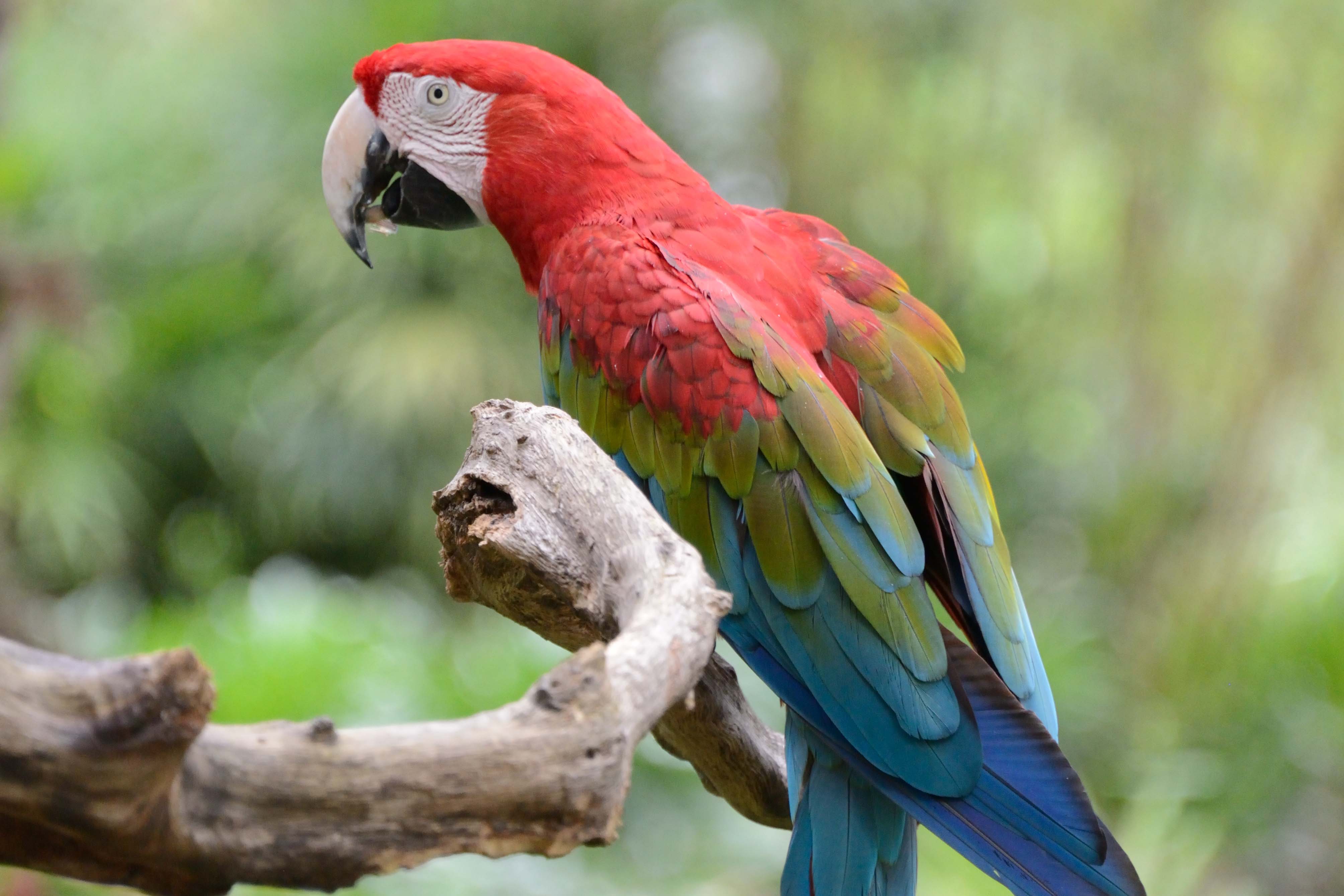
Scarlet macaws (2024), Frank Kohn / U.S. Fish and Wildlife Service. Public domain; cropped for these examples. Source · Original photograph.
Try this quick walkthrough with our sample photo.
Build your mosaic with a regular assembly guide or an actual-size diamond art template. Both include a sheet map, a color key and quantities. Enable Save ink in the generator for black-and-white numbers or symbols.
Mosaic PDF guide
Colored grid sheets show where each tile belongs, with row and column coordinates and neighboring sheet references to help you put it together.
Diamond art PDF guide
Actual-size symbol charts match your drill spacing, with labeled glue tabs, a print-scale ruler and drill quantities including a 10% spare allowance.